> ## Documentation Index
> Fetch the complete documentation index at: https://docs.amplify.security/llms.txt
> Use this file to discover all available pages before exploring further.
# Enable Pull Request Comments
> A how-to for enabling Amplify comments on pull requests for projects currently running silent.
export const amplify = {
app_url: "https://app.amplify.security"
};
## Why am I not seeing comments on my Pull Requests?
The Amplify platform allows for projects to run silently, meaning that while we are actively detecting
vulnerabilities and generating code fixes for your project, we are not commenting on your Pull Requests.
This is caused by not enabling commenting on the projects when they are added to the Amplify platform.
Follow along with this guide to enable commenting for your projects.
## What comments can I expect Amplify to make on my Pull Requests?
Amplify can be configured to make two different types of comments on your Pull Requests. The first type
of comment is a notification that one or more vulnerabilities have been detected in the new code. The
second type of comment is a notification that a code fix is available for a detected vulnerability. Amplify
can also be configured to comment with "Approvals" on Pull Requests that have no detected vulnerabilities.
### Vulnerability notification
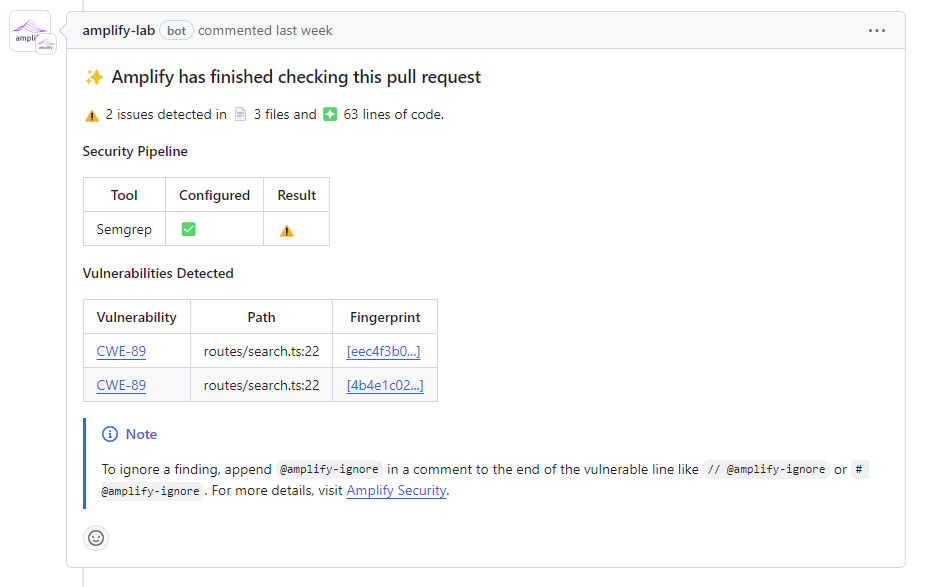
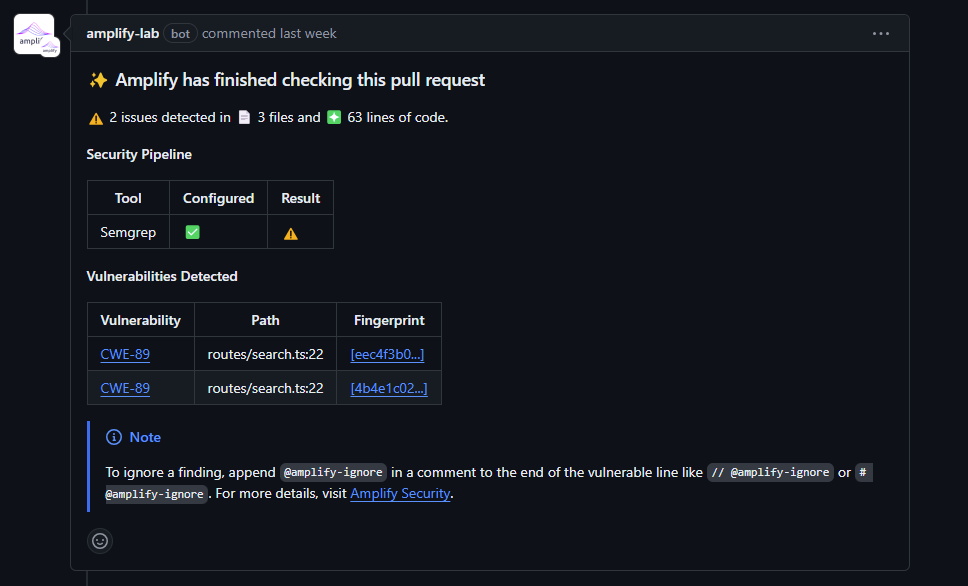
Vulnerability notifications are made on Pull Requests when Amplify detects vulnerabilities in the new code. These
notifications are enabled in the Amplify App by enabling `Merge Comments` for the project.
 ### Code fix notification
Code fix notifications are made on Pull Requests when a Code Fix is available for a detected vulnerability. These
notifications are enabled in the Amplify App by enabling `Merge Comments` for the project.
### Code fix notification
Code fix notifications are made on Pull Requests when a Code Fix is available for a detected vulnerability. These
notifications are enabled in the Amplify App by enabling `Merge Comments` for the project.
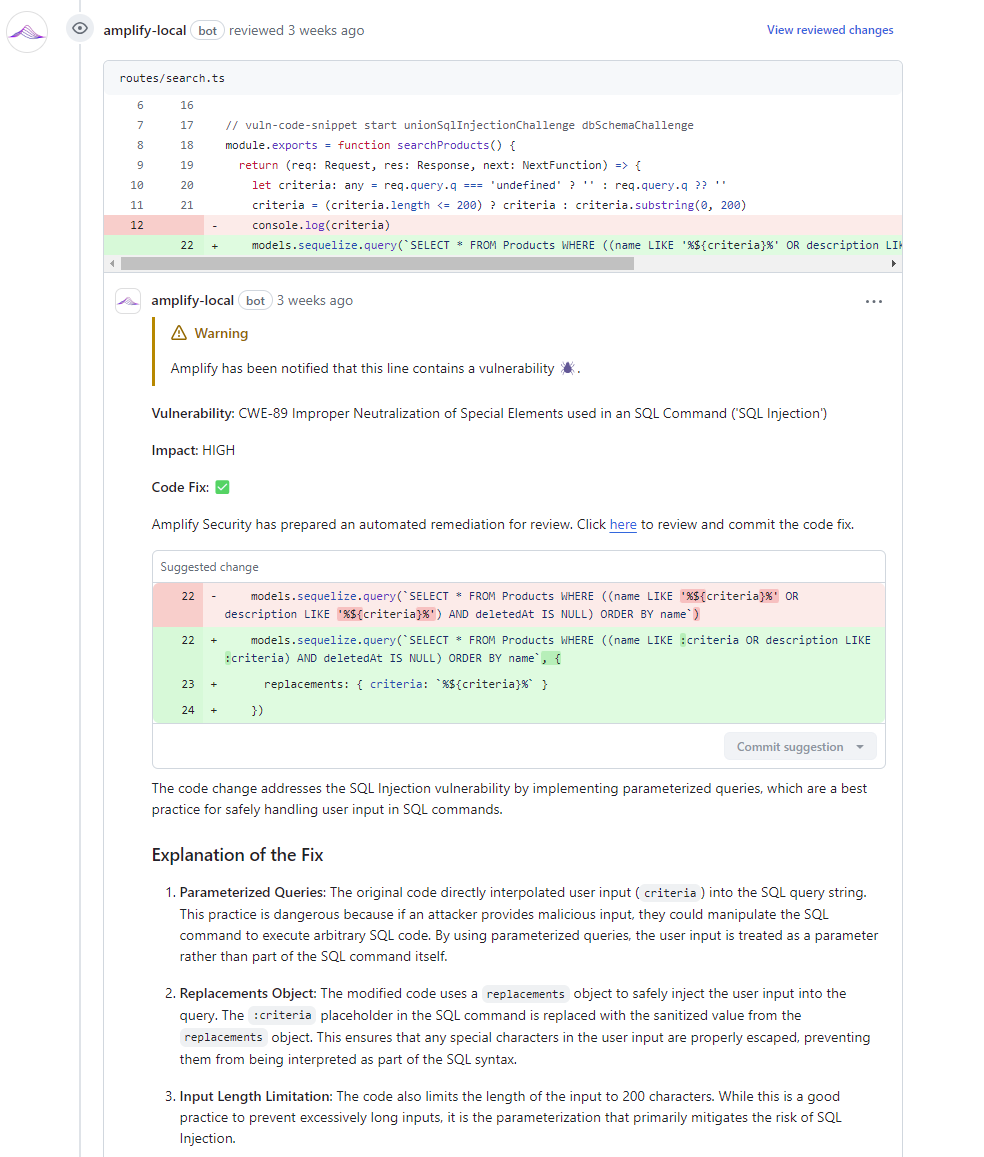
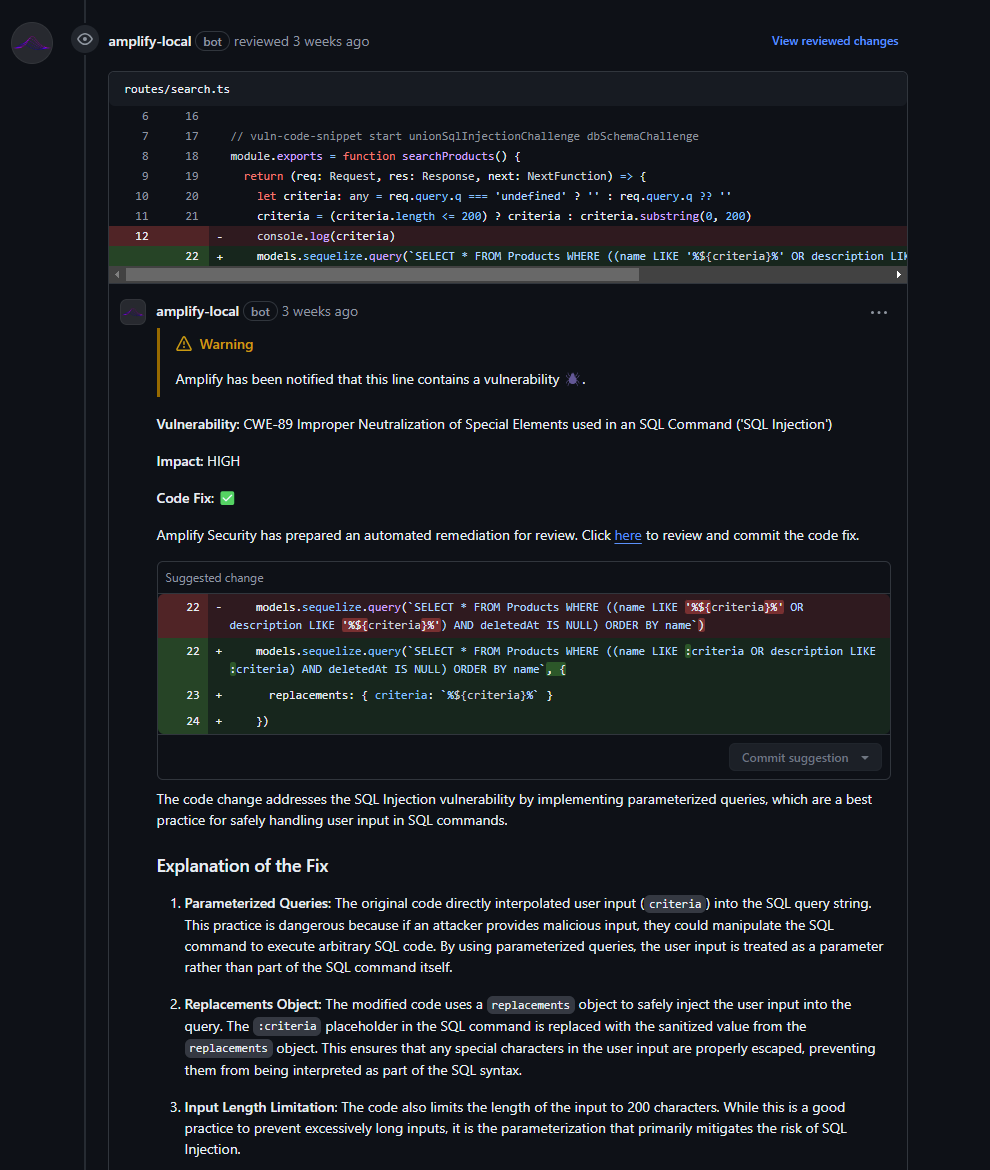 ### Approval notification
Approval notifications are made on Pull Requests when no vulnerabilities are detected in the new code. These
notifications are enabled in the Amplify App by enabling `Merge Approvals` for the project.
### Approval notification
Approval notifications are made on Pull Requests when no vulnerabilities are detected in the new code. These
notifications are enabled in the Amplify App by enabling `Merge Approvals` for the project.
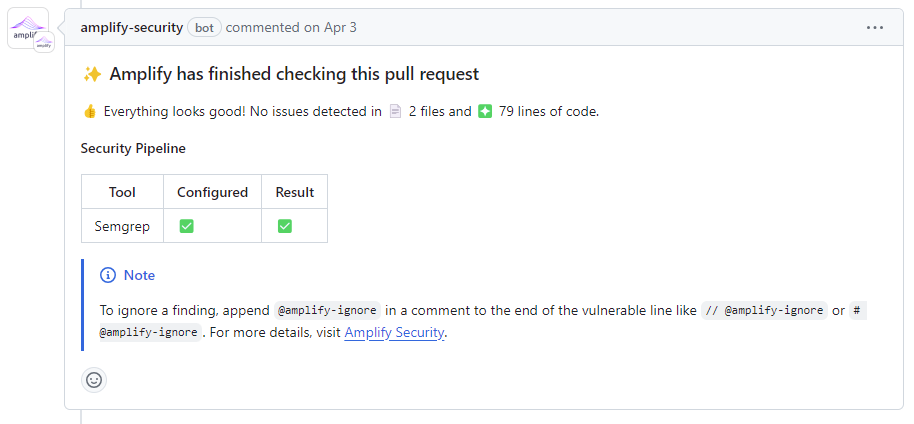
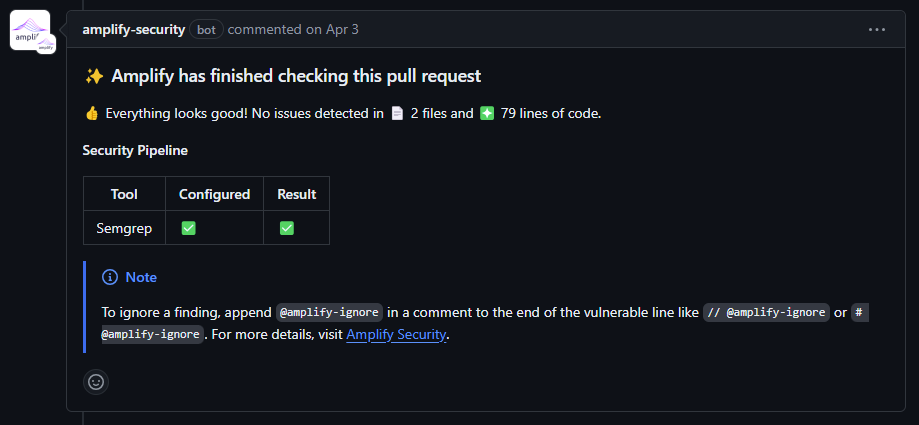 ## How to enable commenting
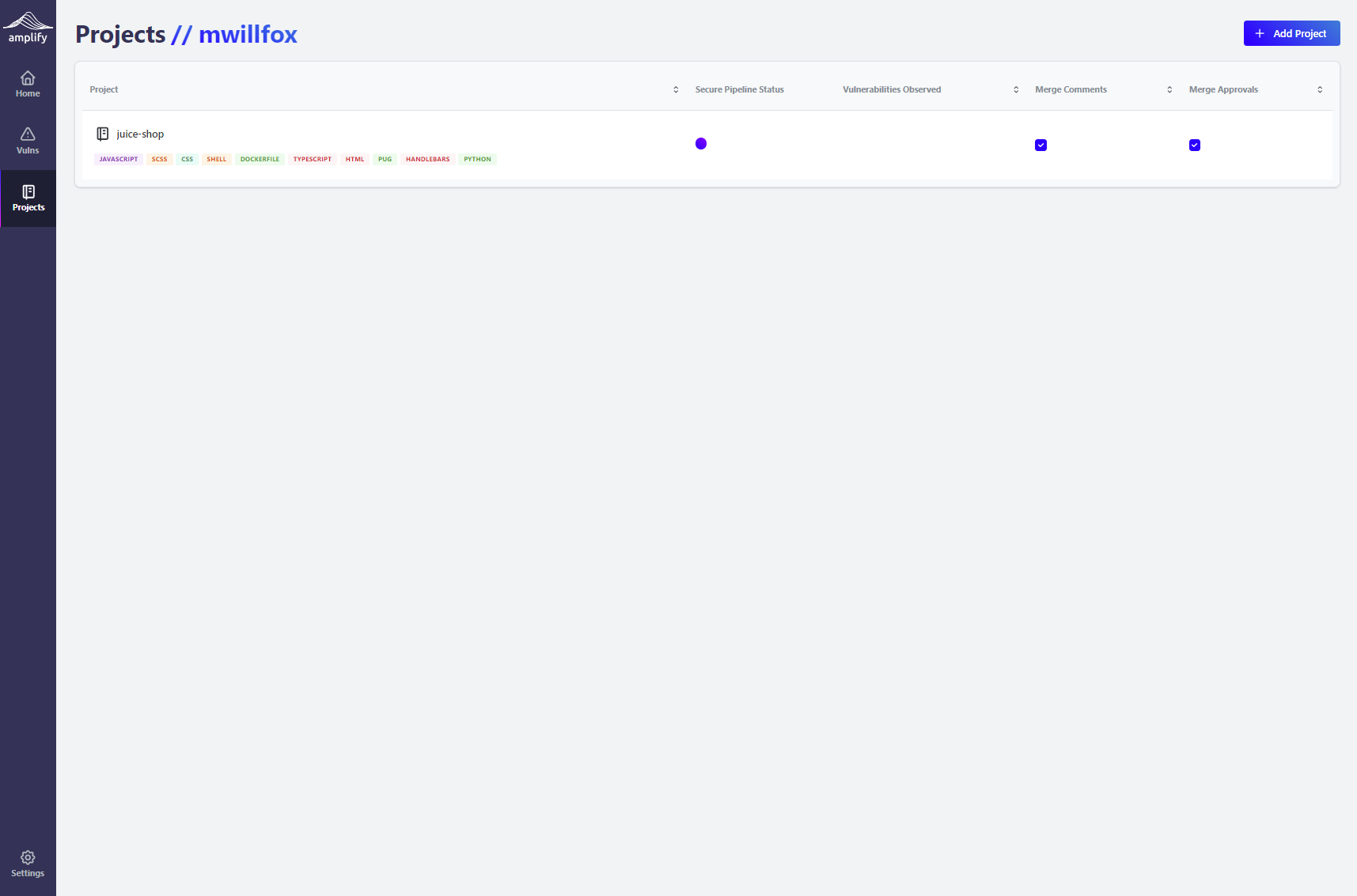
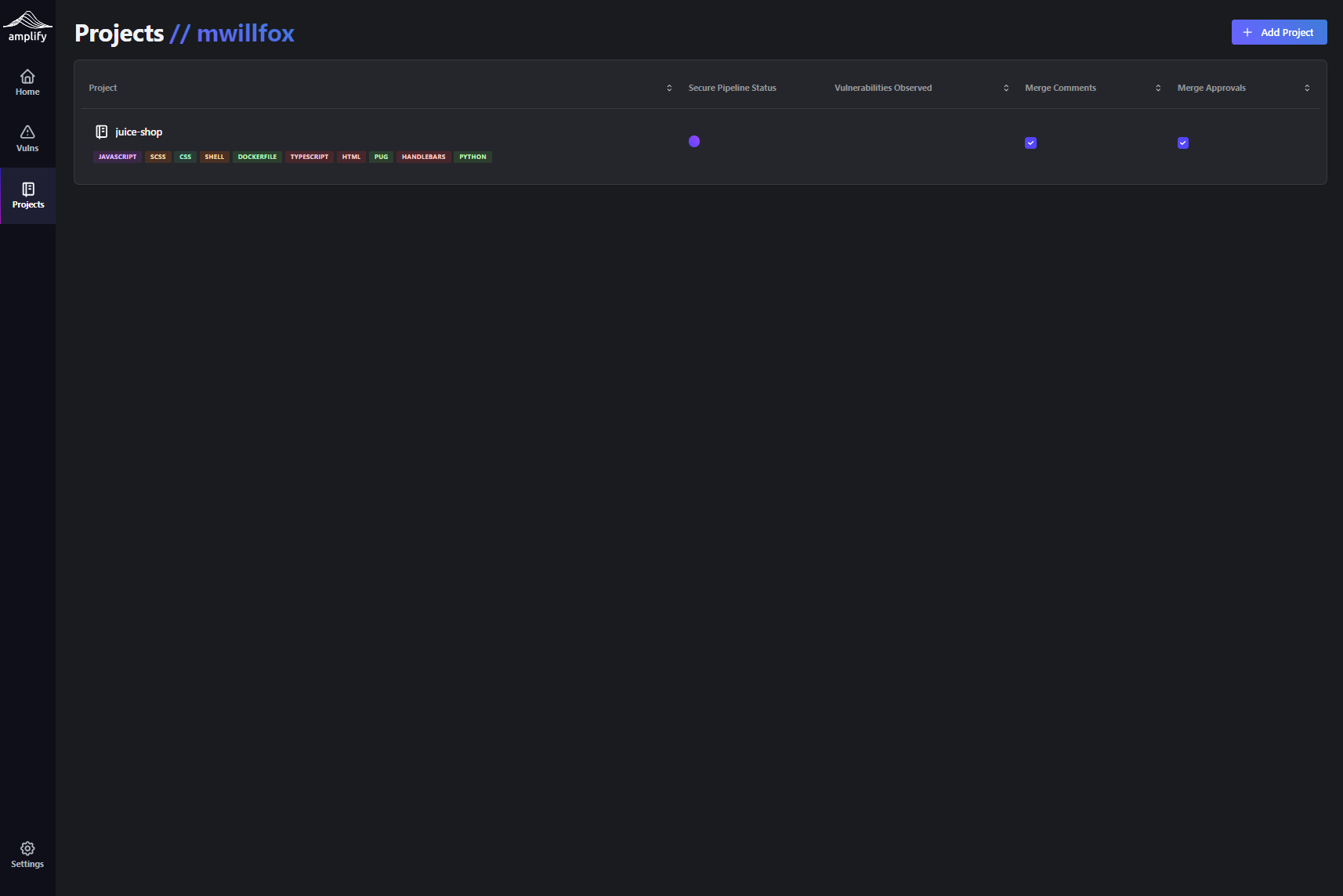
To enable commenting, Sign in to the [Amplify App](https://app.amplify.security) and select `Projects` on
the Navigation Bar. From the Projects page, you can enable commenting on your projects by selecting the
appropriate options in the `Merge Comments` and `Merge Approvals` columns.
## How to enable commenting
To enable commenting, Sign in to the [Amplify App](https://app.amplify.security) and select `Projects` on
the Navigation Bar. From the Projects page, you can enable commenting on your projects by selecting the
appropriate options in the `Merge Comments` and `Merge Approvals` columns.
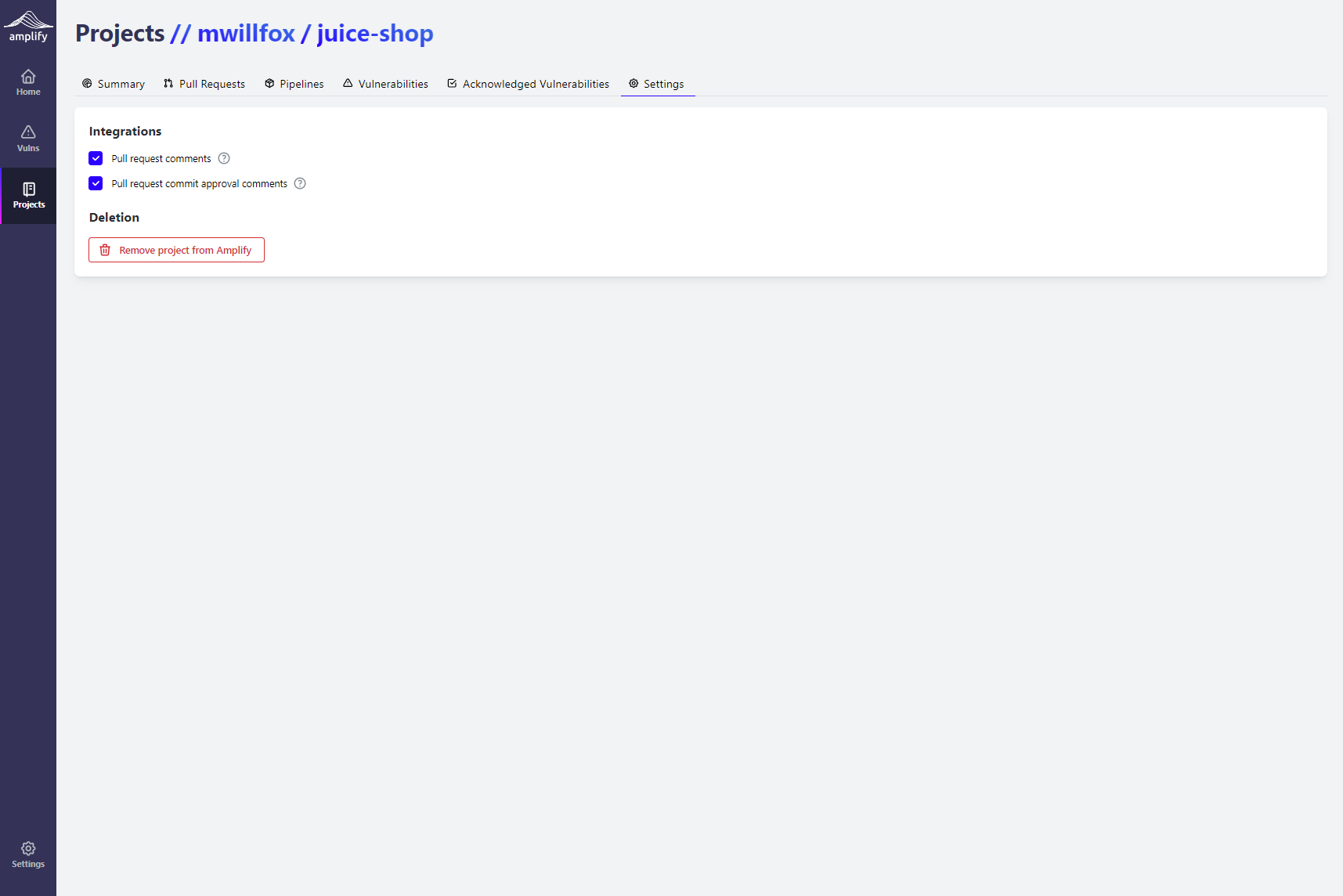
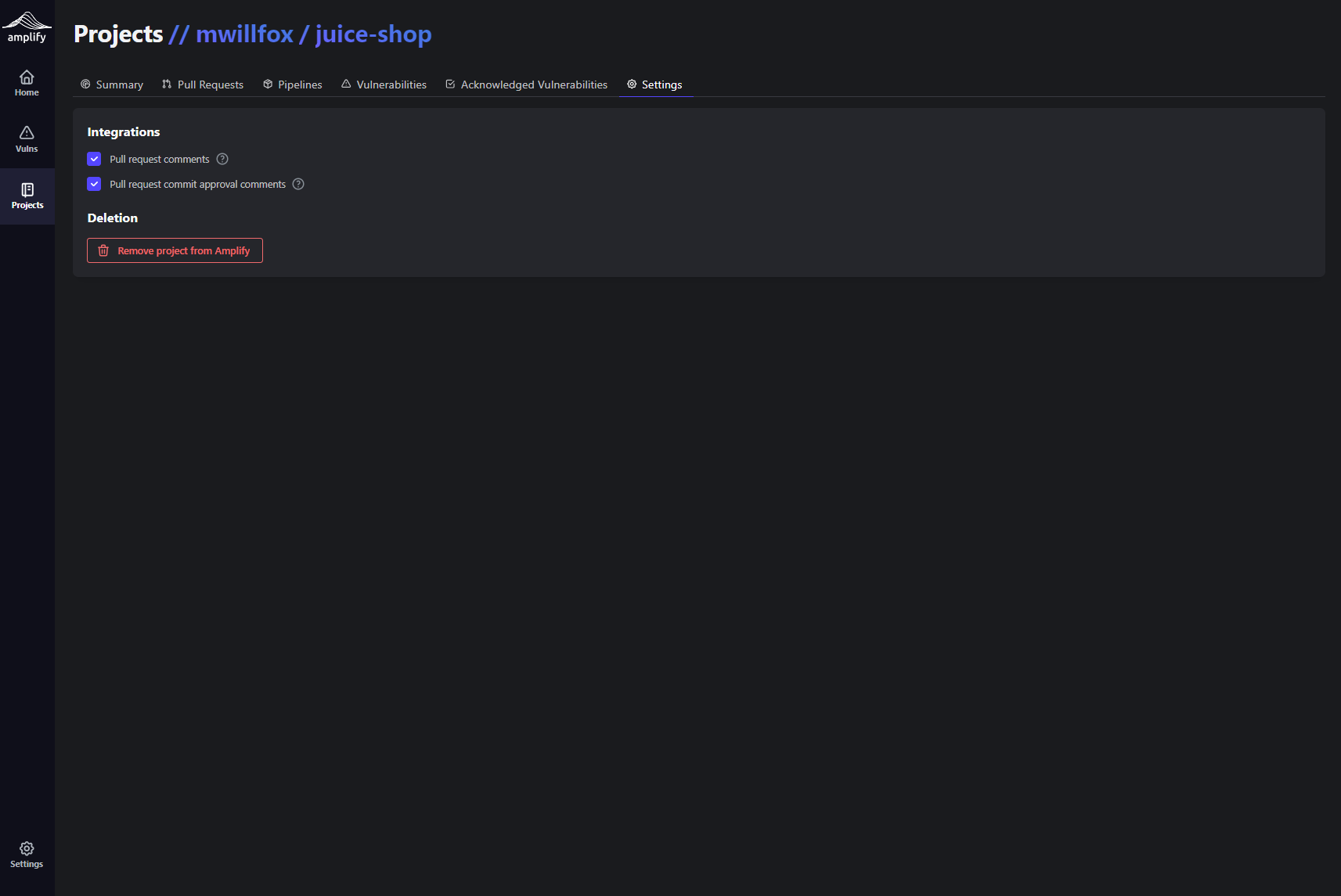
 Alternatively, Sign in to the [Amplify App](https://app.amplify.security), select `Projects` on
the Navigation Bar, then select the `Settings` tab from the Project's page. From the Project's Settings
you can enable commenting on your projects by selecting the appropriate options under **Integrations**.
Alternatively, Sign in to the [Amplify App](https://app.amplify.security), select `Projects` on
the Navigation Bar, then select the `Settings` tab from the Project's page. From the Project's Settings
you can enable commenting on your projects by selecting the appropriate options under **Integrations**.