> ## Documentation Index
> Fetch the complete documentation index at: https://docs.amplify.security/llms.txt
> Use this file to discover all available pages before exploring further.
# Quickstart
> Onboard your projects to Amplify in under 5 minutes.
export const amplify = {
app_url: "https://app.amplify.security"
};
## Overview
We're going to walk you through the steps to onboard your projects to Amplify.
The onboarding process is designed to be fully guided, so if you'd rather just follow along in the Amplify App and skip this guide, you can do that too.
### What to expect
During onboarding you will:
1. Install the Amplify GitHub App.
2. Select which projects you want to onboard.
3. Approve the Pull Requests that Amplify will open for you in selected projects. These Pull Requests
add the Amplify Security GitHub Actions Workflow.
You will need permission to install a GitHub App for the organization you wish to secure with Amplify in order to complete this Quickstart guide.
## Quickstart
### Sign Up
To get started, navigate to the Amplify App at {amplify.app_url} or by
using the Sign In button in the top right corner of this page.
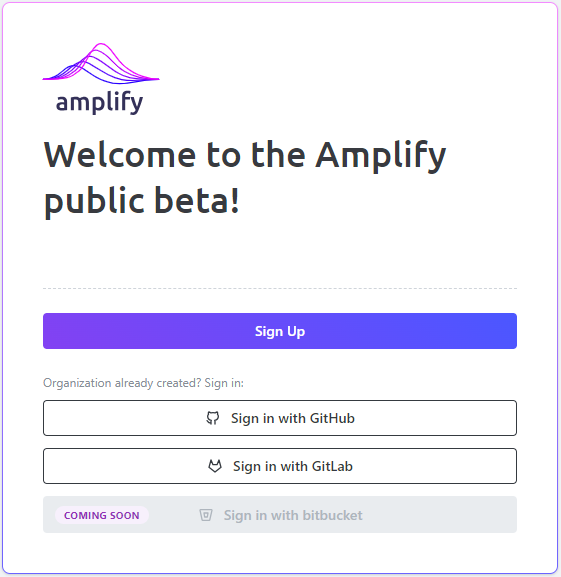
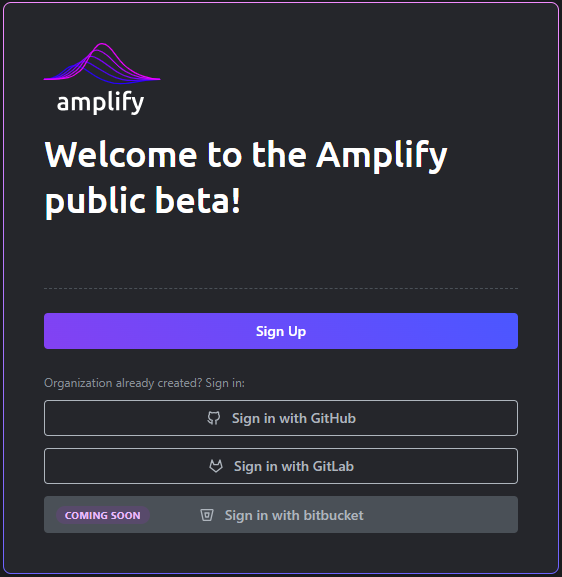 Select *Sign Up* to continue.
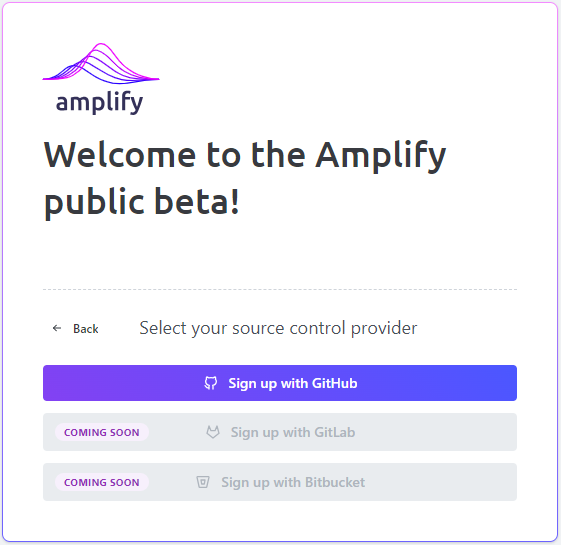
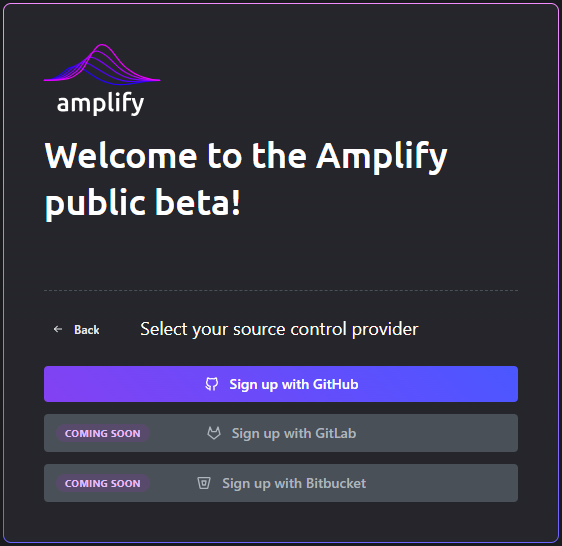 Select *Sign up with GitHub* to continue.
Support for GitLab and Bitbucket is coming soon!
### Authenticate with the Amplify GitHub App
You will be redirected to GitHub to authenticate using the Amplify GitHub App.
Select *Sign up with GitHub* to continue.
Support for GitLab and Bitbucket is coming soon!
### Authenticate with the Amplify GitHub App
You will be redirected to GitHub to authenticate using the Amplify GitHub App.
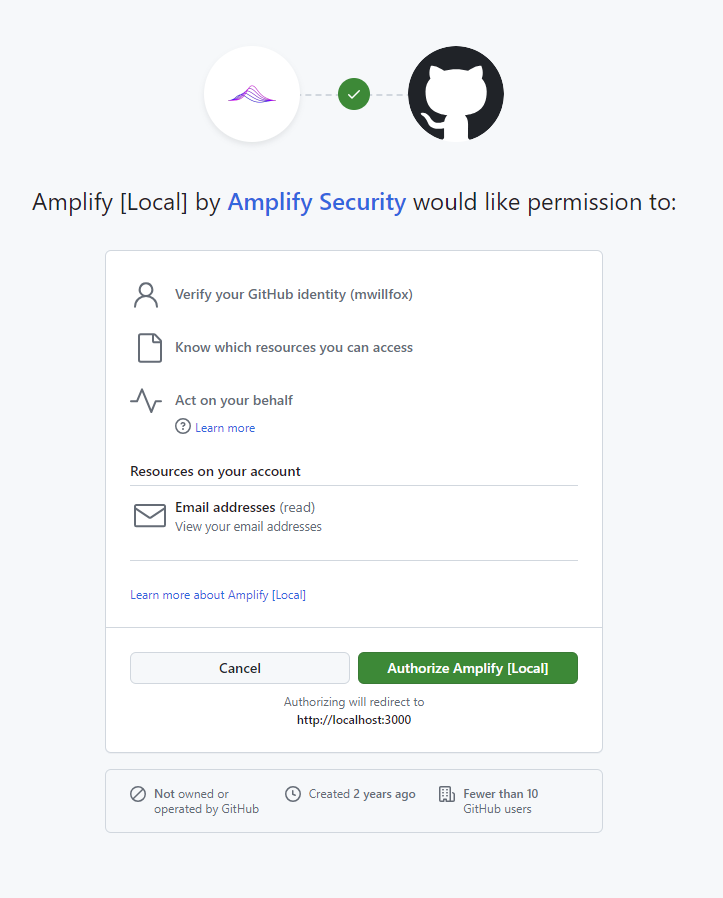
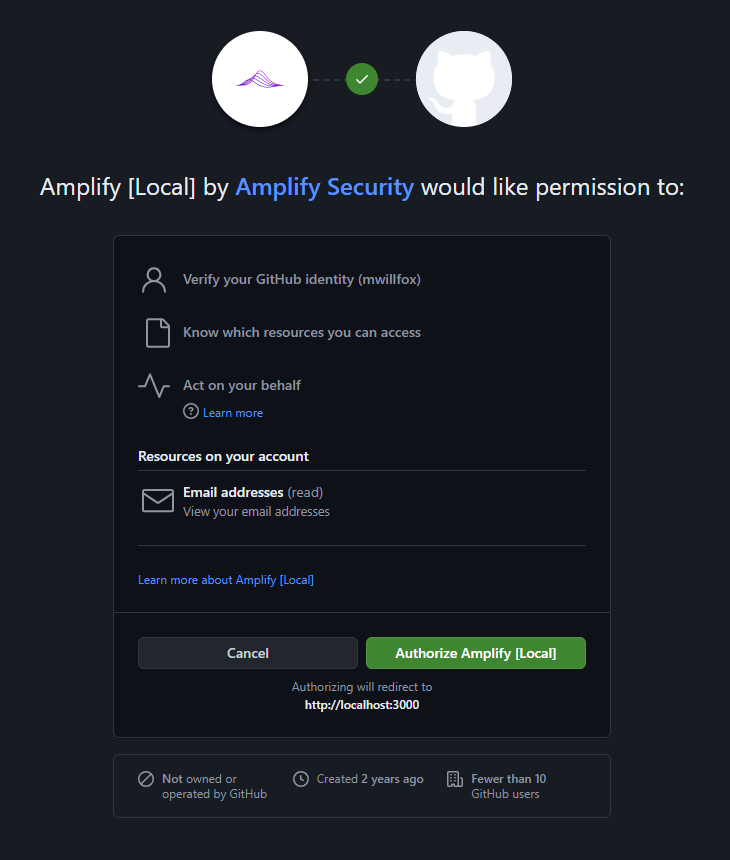 Select *Authorize Amplify* to continue.
### Install the Amplify GitHub App
Once authenticated, you must install the Amplify GitHub App in the GitHub organization you want
to secure with Amplify.
Select *Authorize Amplify* to continue.
### Install the Amplify GitHub App
Once authenticated, you must install the Amplify GitHub App in the GitHub organization you want
to secure with Amplify.
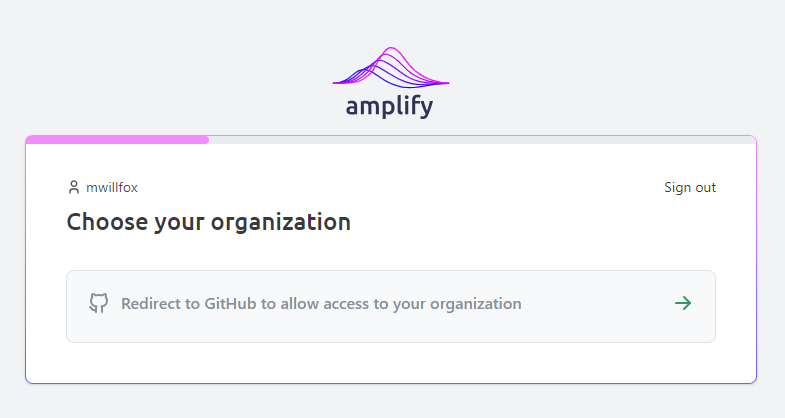
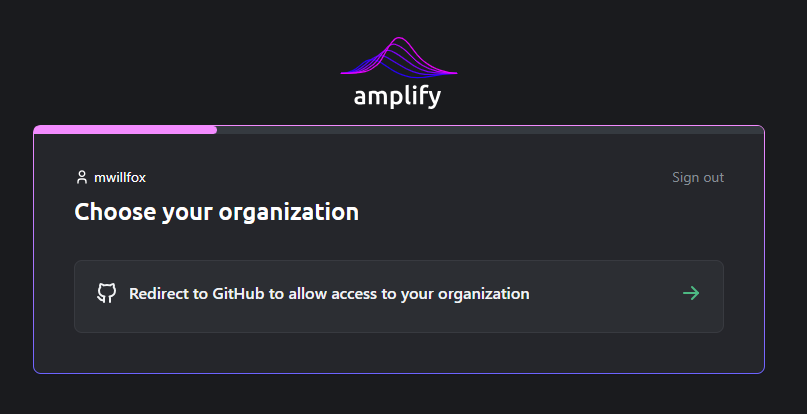 Select *Redirect to GitHub to allow access to your organization* to continue. You will be redirected
to GitHub. Install the GitHub Amplify App in the organization you want to secure. After installation,
you will be redirected back to Amplify to continue the onboarding process.
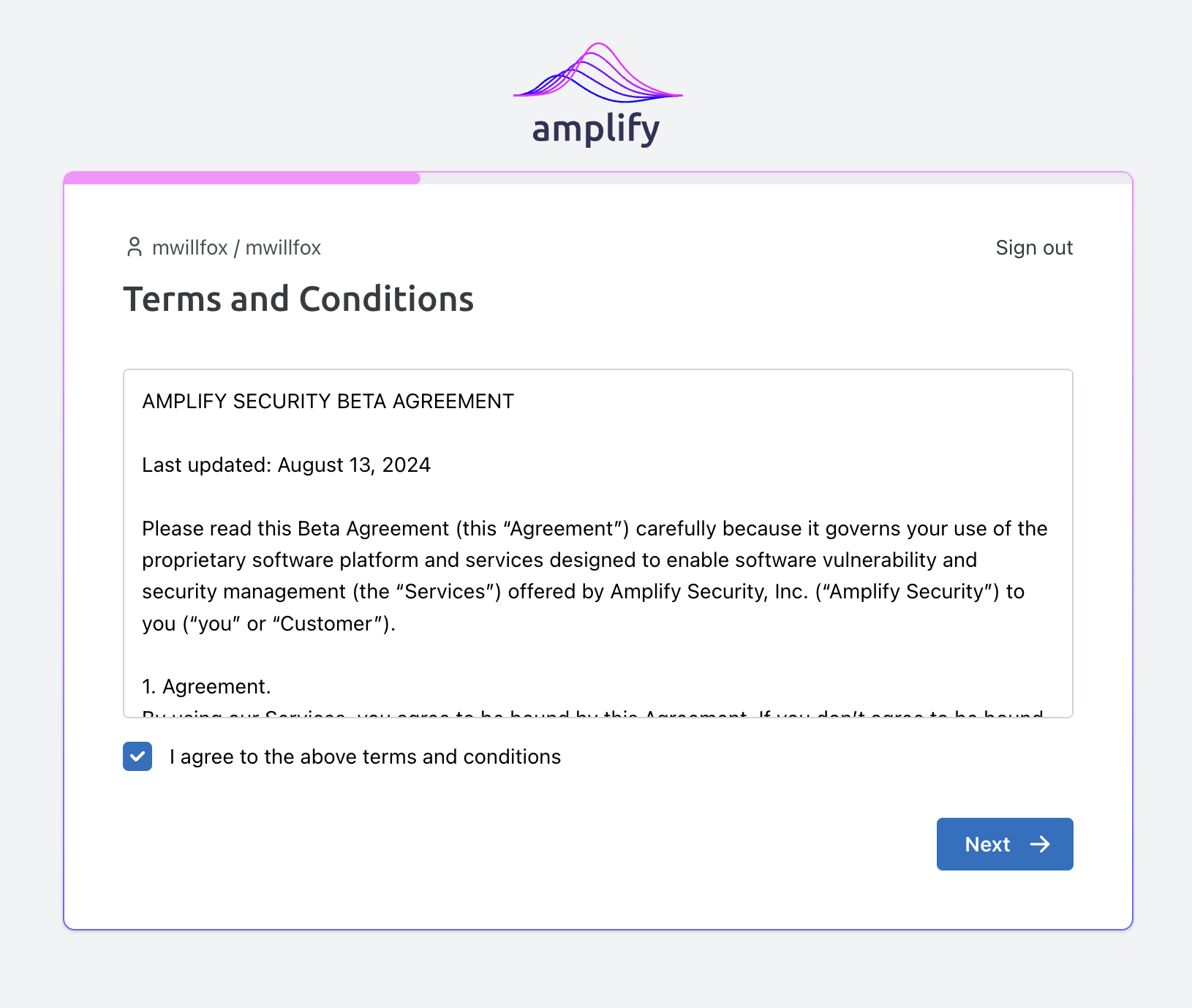
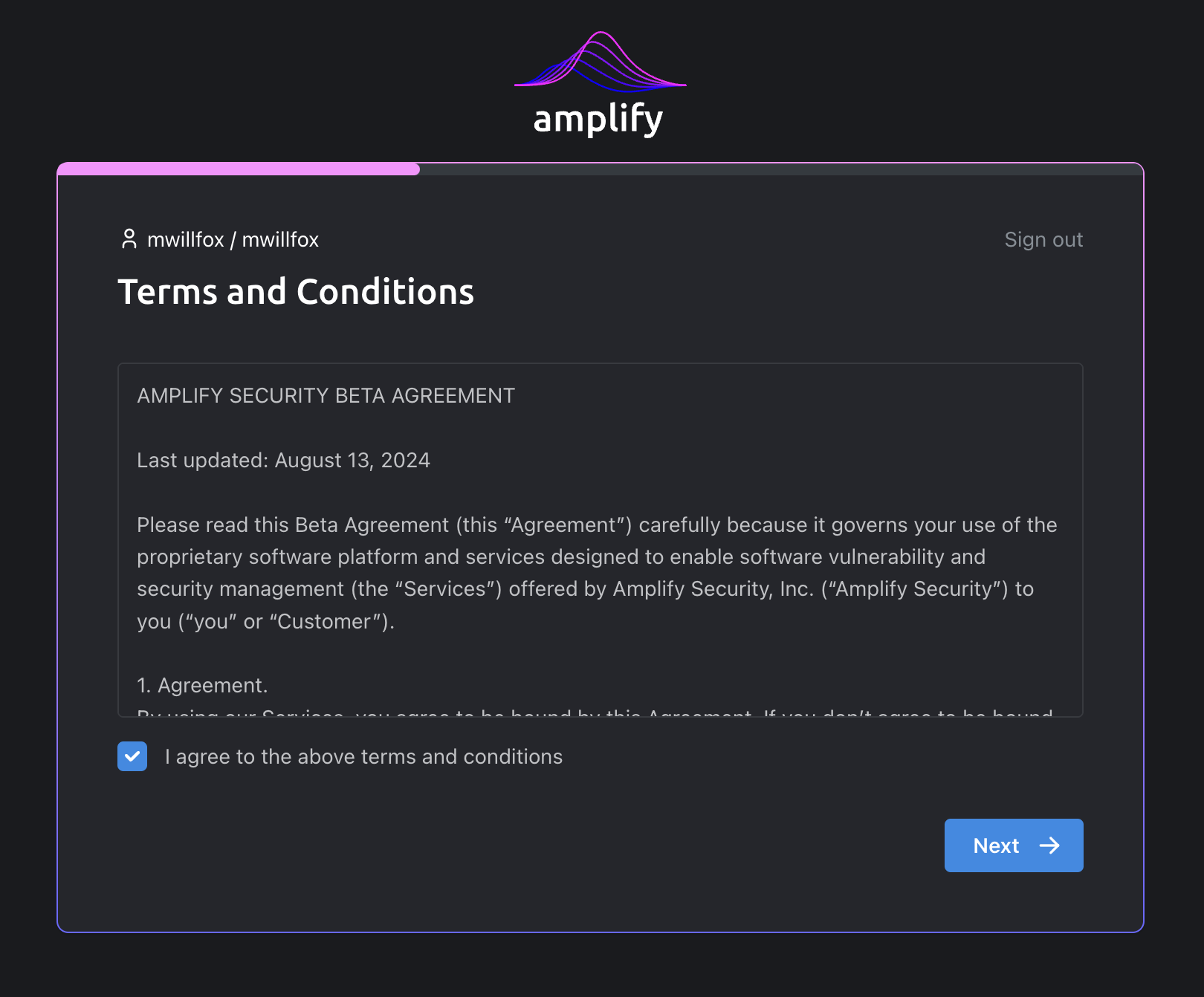
### Accept terms & conditions
You must accept the terms and conditions of the beta agreement to continue.
Select *Redirect to GitHub to allow access to your organization* to continue. You will be redirected
to GitHub. Install the GitHub Amplify App in the organization you want to secure. After installation,
you will be redirected back to Amplify to continue the onboarding process.
### Accept terms & conditions
You must accept the terms and conditions of the beta agreement to continue.
 ### Select projects to secure
After authenticating with the Amplify GitHub App, you will be redirected back to the Amplify App
to choose which projects you want to secure with Amplify.
### Select projects to secure
After authenticating with the Amplify GitHub App, you will be redirected back to the Amplify App
to choose which projects you want to secure with Amplify.
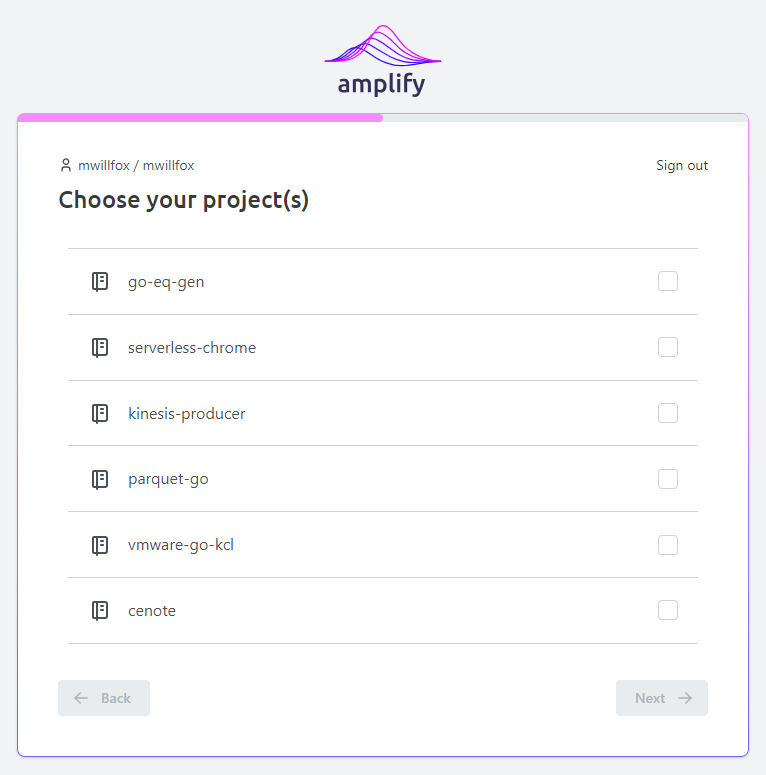
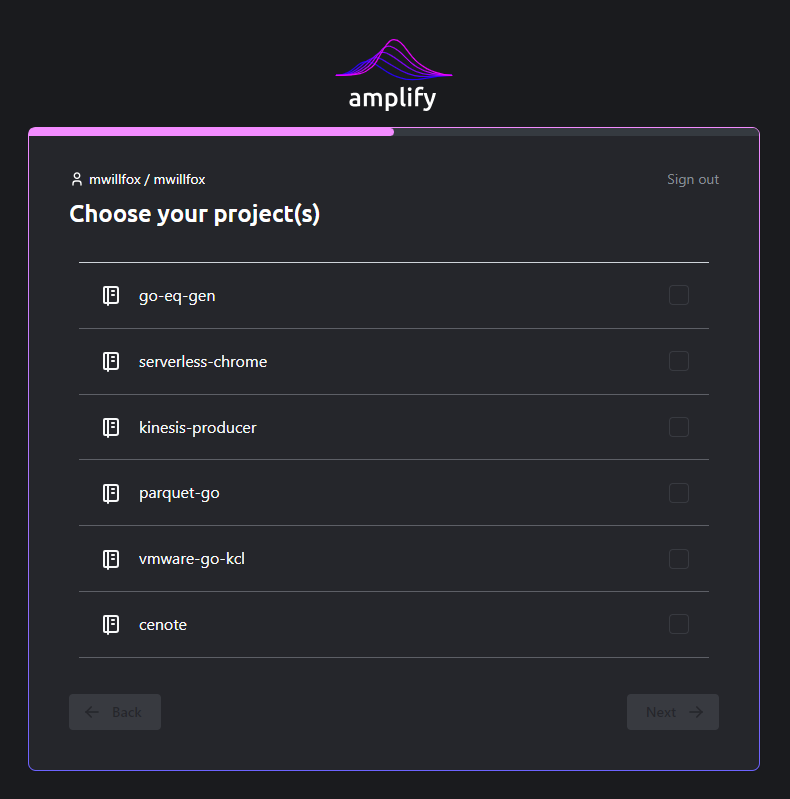 Select all projects you would like to secure with Amplify and select *Next*.
### Select security tools to run
You will now be prompted to choose which security tools Amplify will run when scanning your projects.
Select all projects you would like to secure with Amplify and select *Next*.
### Select security tools to run
You will now be prompted to choose which security tools Amplify will run when scanning your projects.
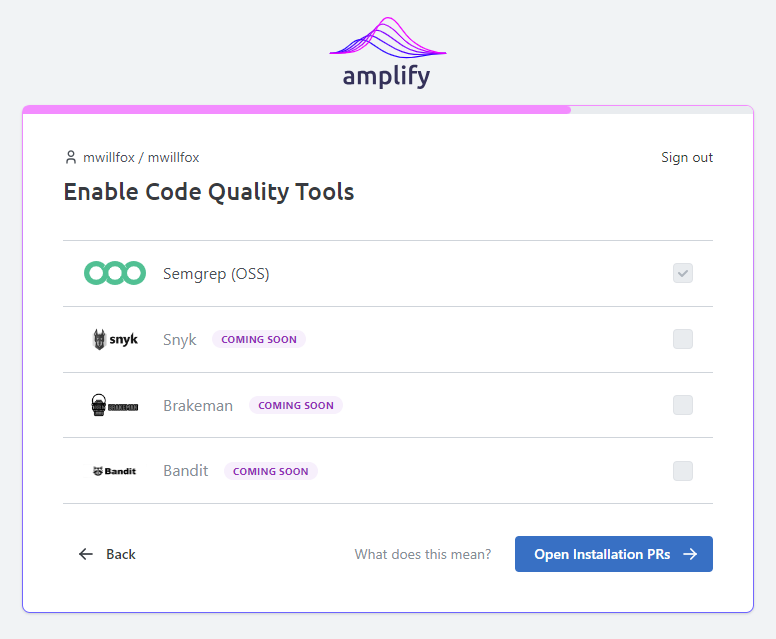
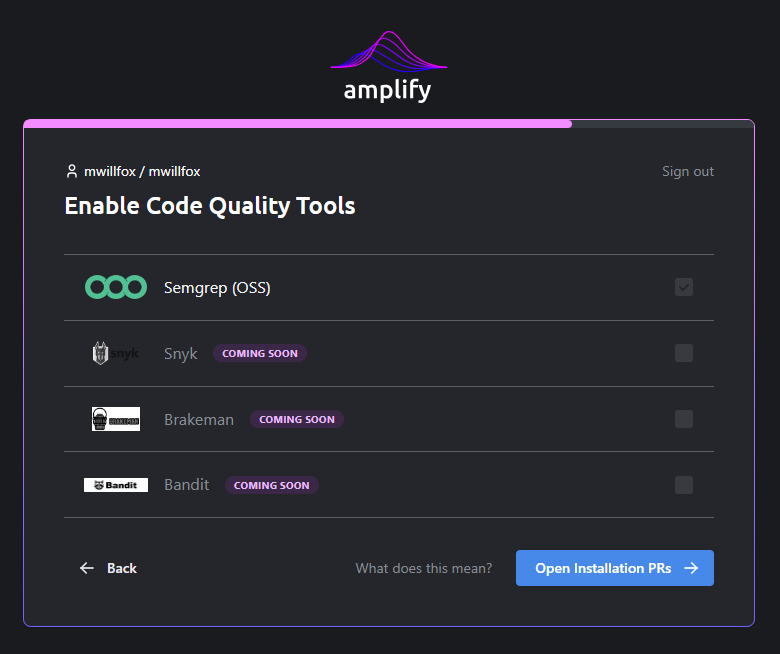 Select *Open Installation PRs* to continue.
### Approve installation PRs
Amplify will now open Pull Requests in the selected projects to add the Amplify Security
GitHub Actions workflow. You will need to approve these PRs to enable Amplify scanning in
your projects.
Select *Open Installation PRs* to continue.
### Approve installation PRs
Amplify will now open Pull Requests in the selected projects to add the Amplify Security
GitHub Actions workflow. You will need to approve these PRs to enable Amplify scanning in
your projects.
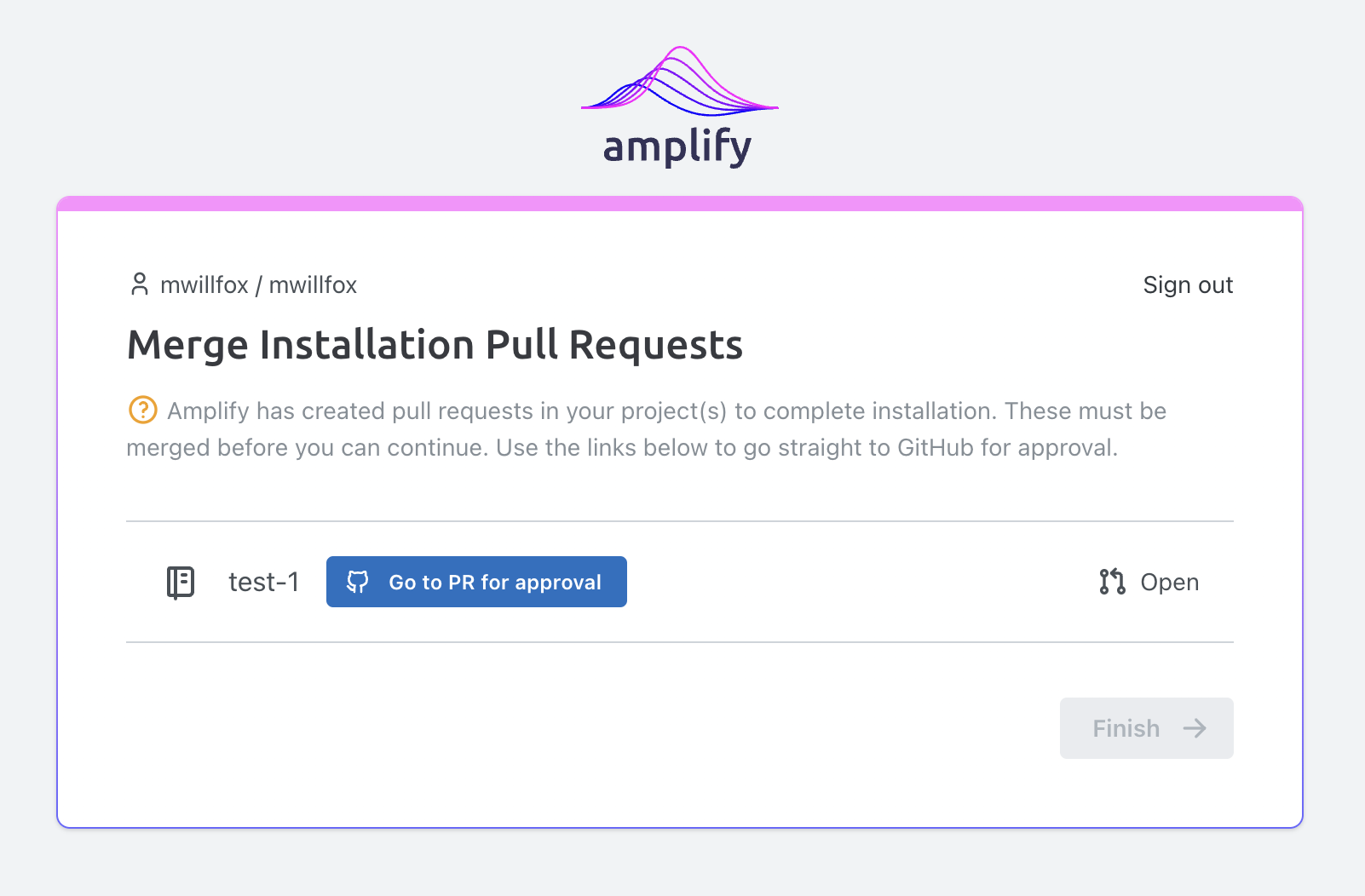
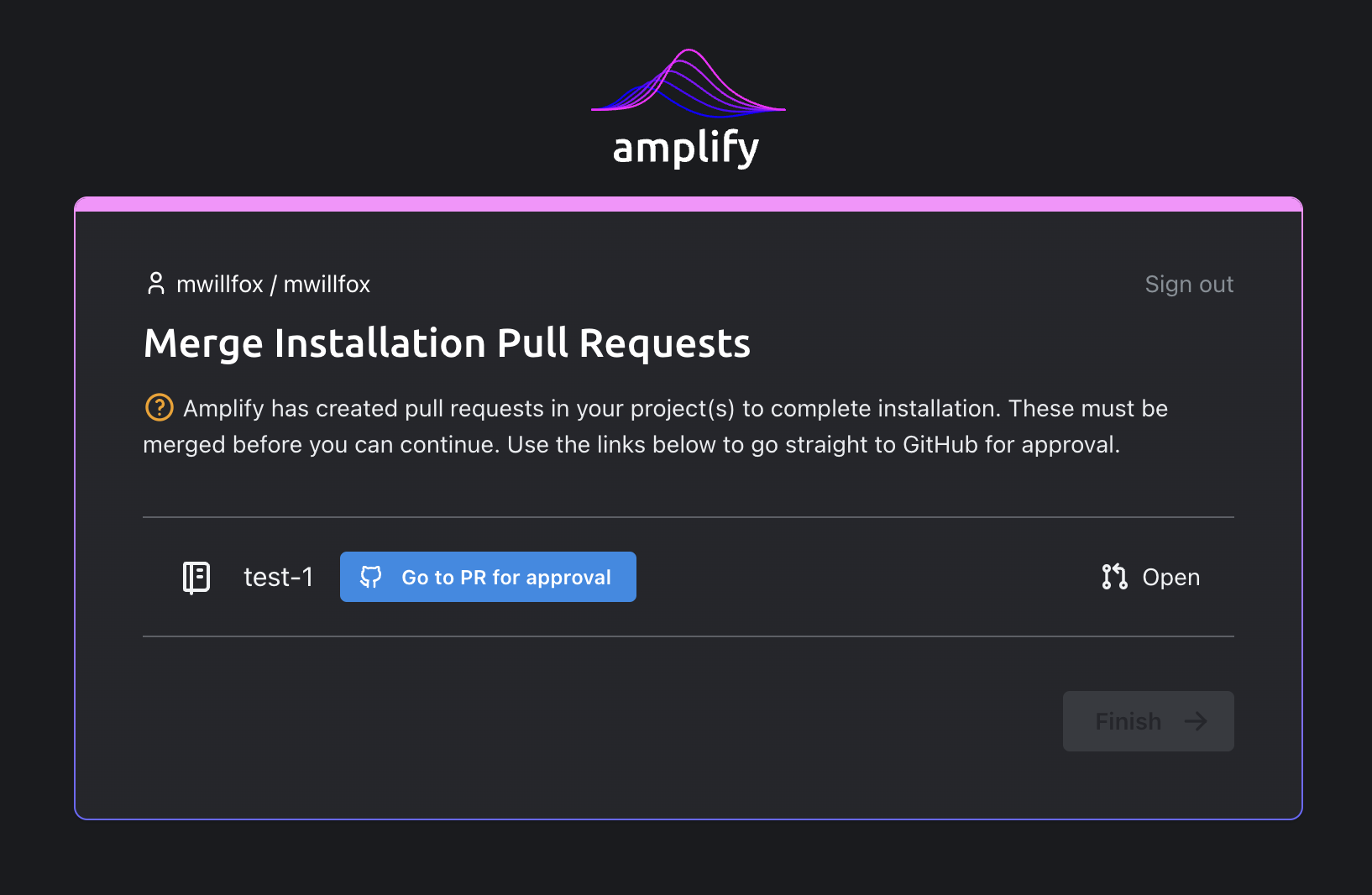 The Amplify App will automatically reflect the status of the PRs as they are merged.
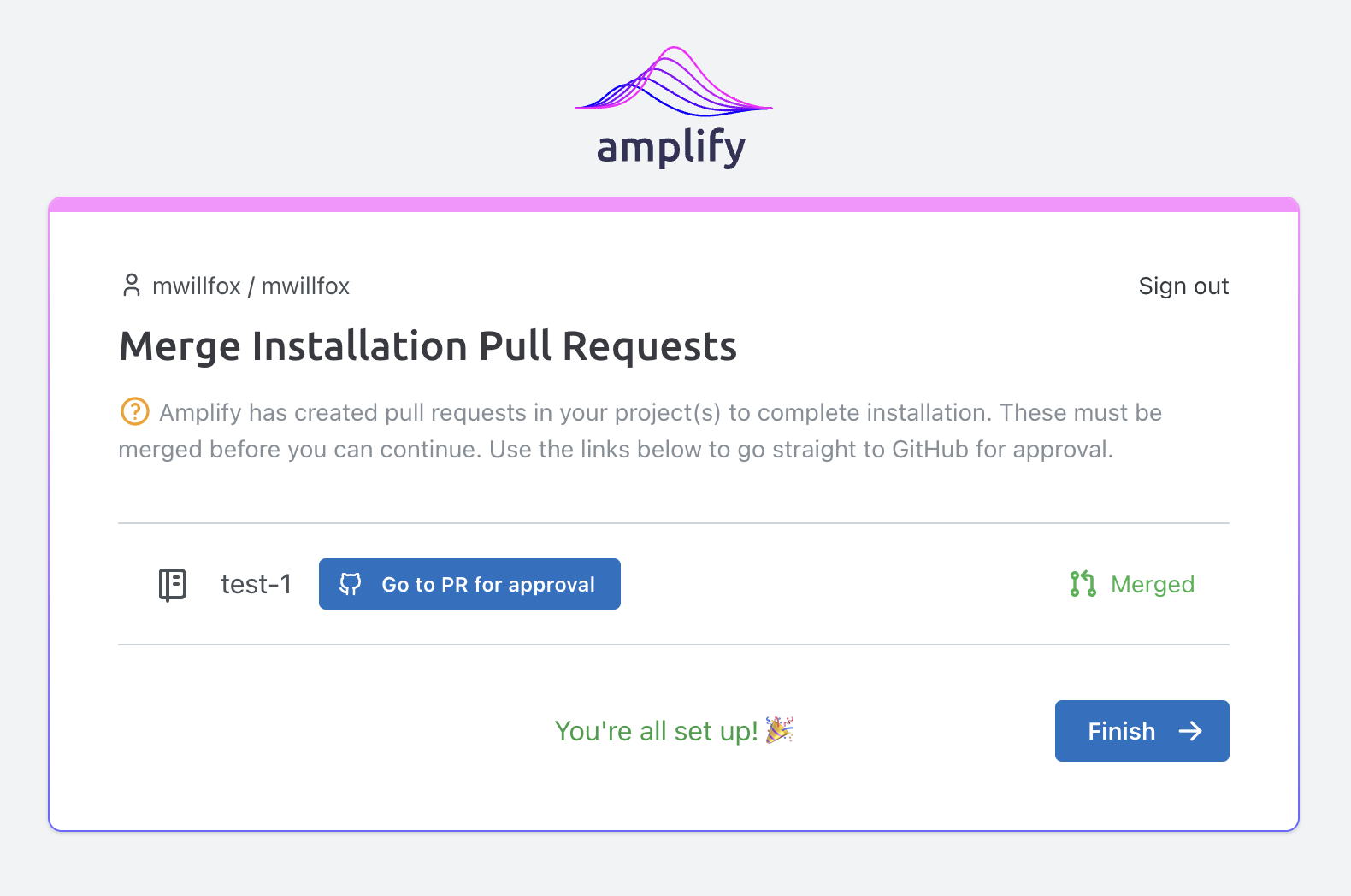
 Select *Finish* to complete the onboarding process.