What is a workflow?
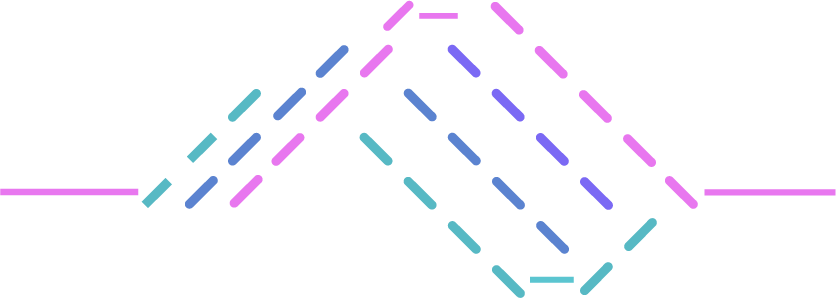
A workflow is a saved sequence of agents that Console runs against your repositories. Where chat is a conversation you drive turn by turn, a workflow is the same agents running unattended: you define the sequence once, and Console executes it whenever a trigger fires or you run it by hand. Workflows are where the other two layers pay off. Agents, skills, and detections do the work; your repositories and connections give them something real to reason about. A workflow puts those to work on a schedule, with no one in the loop, and delivers the result to where your team already works. A typical workflow scans a repository for vulnerabilities, hands what it found to a second agent that authors reusable detections or generates patches, and routes the result to whichever outputs you have attached.Anatomy of a workflow
Every workflow is made of four parts. Only the first two are required.The description documents the workflow for your team — it doesn’t shape what any step does. Each agent
already carries its own instructions, which is what actually runs. See
Create a workflow.
What happens during a run
When a workflow fires, Console does the following for each repository you targeted:- Creates a run. Every run gets its own record, visible under Runs.
- Snapshots the definition. The run captures the workflow’s name, description, and steps as they are at that moment. Editing the workflow later never changes a run that is already in flight.
- Provisions an isolated sandbox and clones the repository into it. For pull-request runs, it clones the pull request’s head — not the default branch.
- Runs the chain. Each step runs once the steps it actually depends on have finished (or been legitimately skipped) — independent steps can run at the same time; see the agent chain for exactly how steps depend on each other.
- Stops on failure. If a step fails, nothing depending on it runs, and the run ends in error.
- Records findings from the run, and dispatches your outputs once the run completes.
Where workflows live
- Workflows — the list of workflows in your organization, with a run count for the last 7, 30, or 90 days. This is where you create, edit, and manually fire them.
- Runs — the execution history for every workflow, including per-step status, findings, and whether each output was delivered.
Next steps
Create a workflow
Walk through the editor section by section.
Build the agent chain
How steps depend on each other and how to order them.
Configure triggers
Decide what starts a run, and when.
Configure outputs
Route results to where your team works.
Run and monitor
Fire a workflow and read its run history.